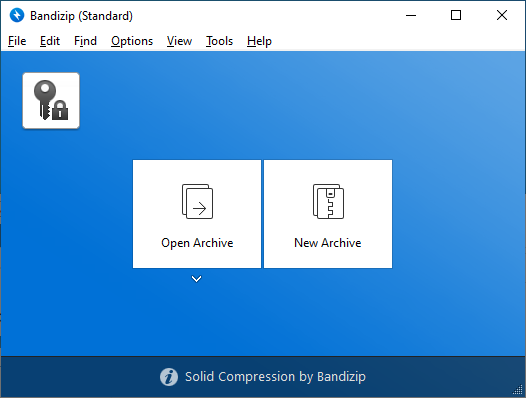
Main Interface - Clean and intuitive design with easy access to all features
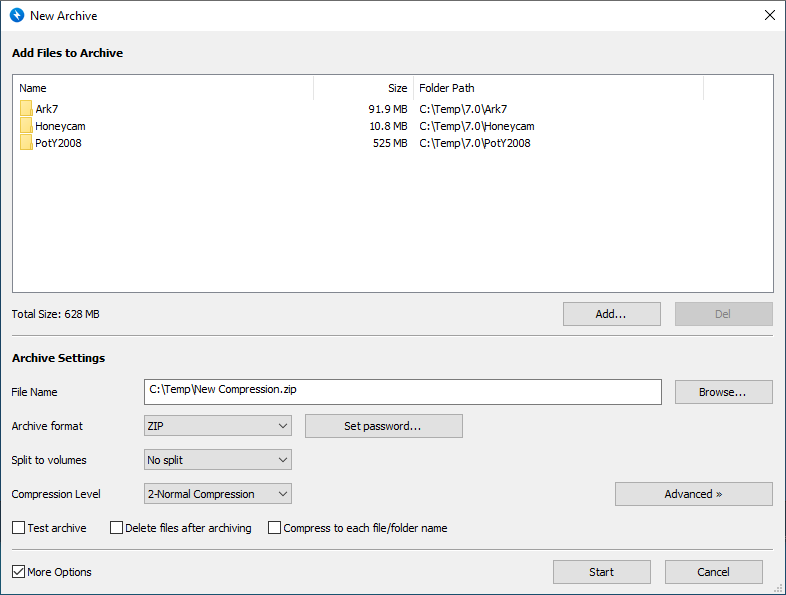
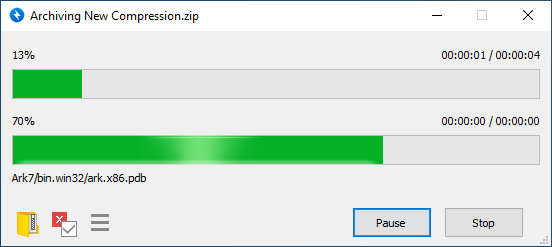
Compress Dialog - Create archives with customizable compression settings
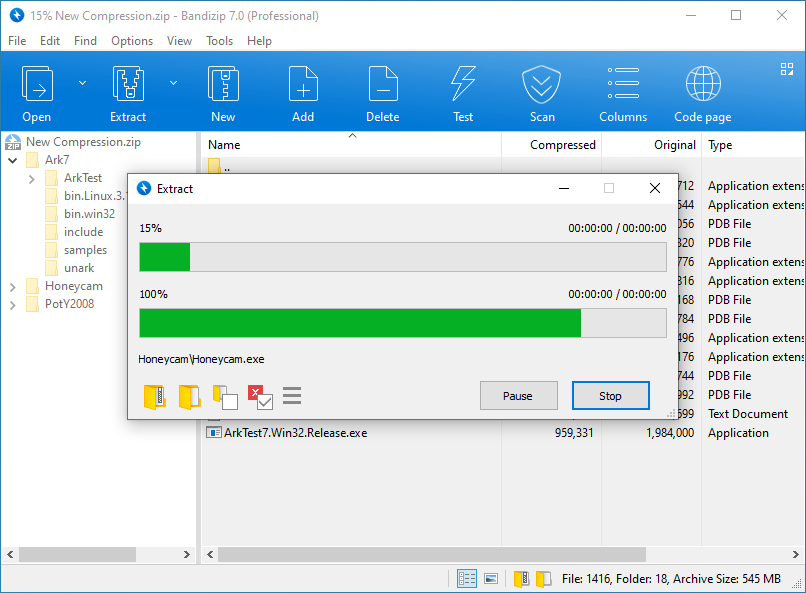
Extract Dialog - Extract archives with advanced options and destination selection
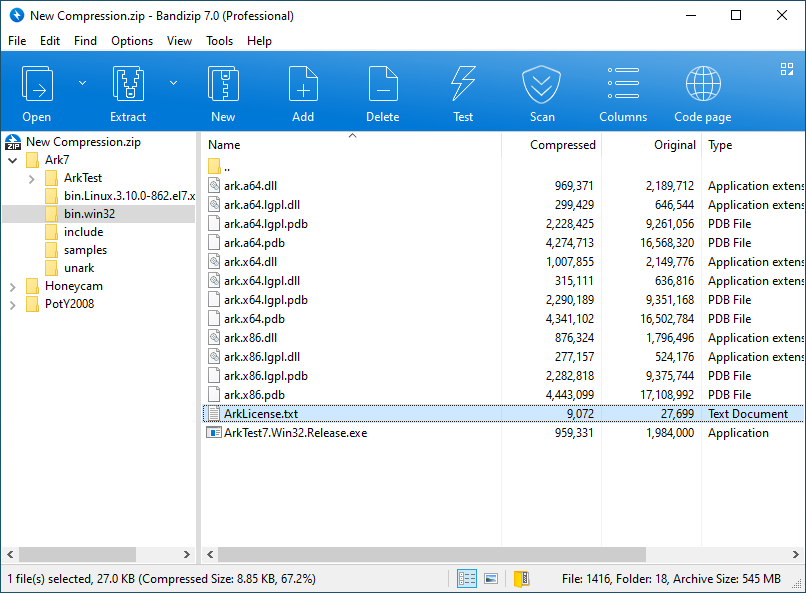
File List View - Browse archive contents with detailed file information
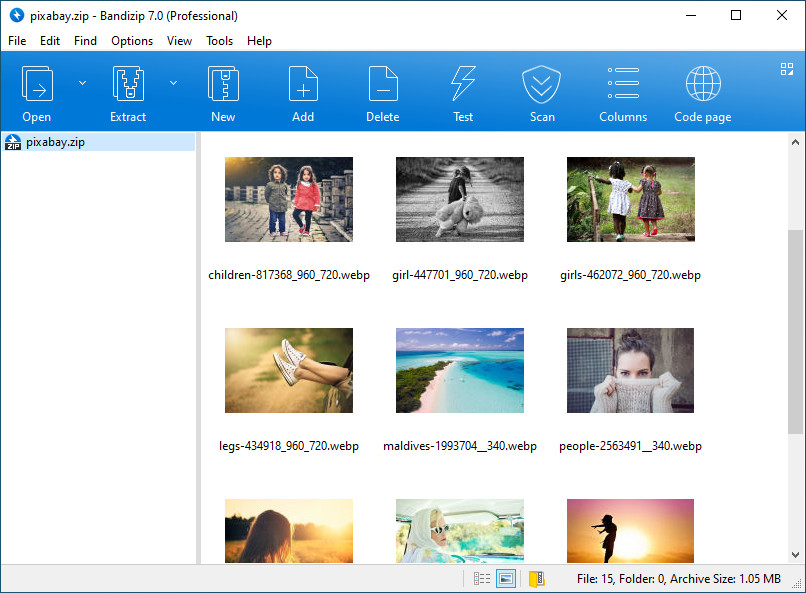
Image Preview - View images directly from archives without extraction
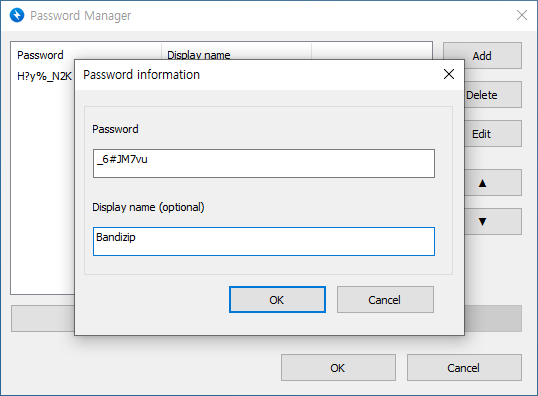
Password Manager - Securely store and manage archive passwords
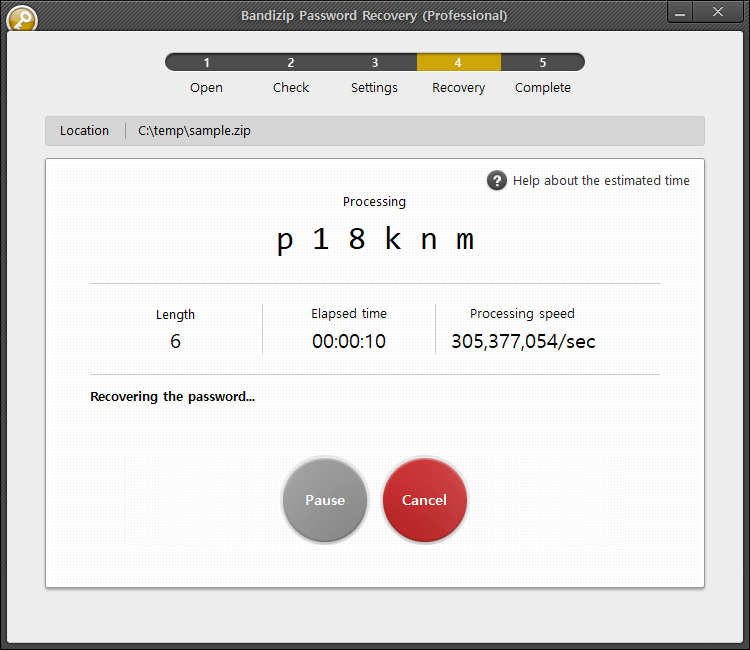
Password Recovery - Advanced tools to recover forgotten passwords
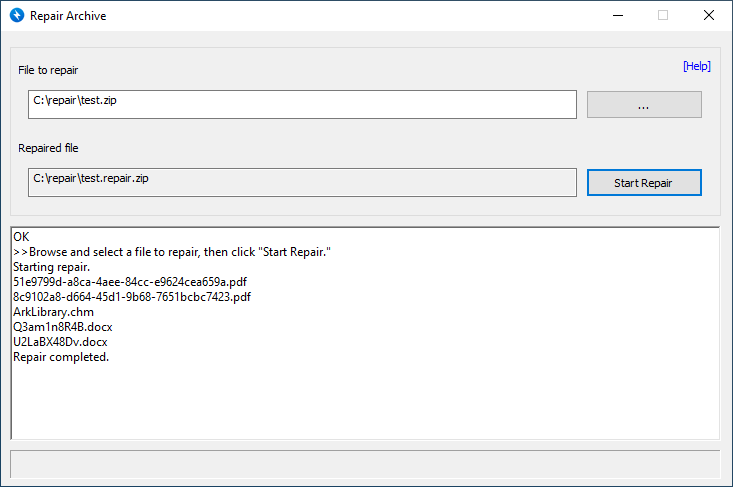
Archive Repair - Fix damaged or corrupted archives to recover your data
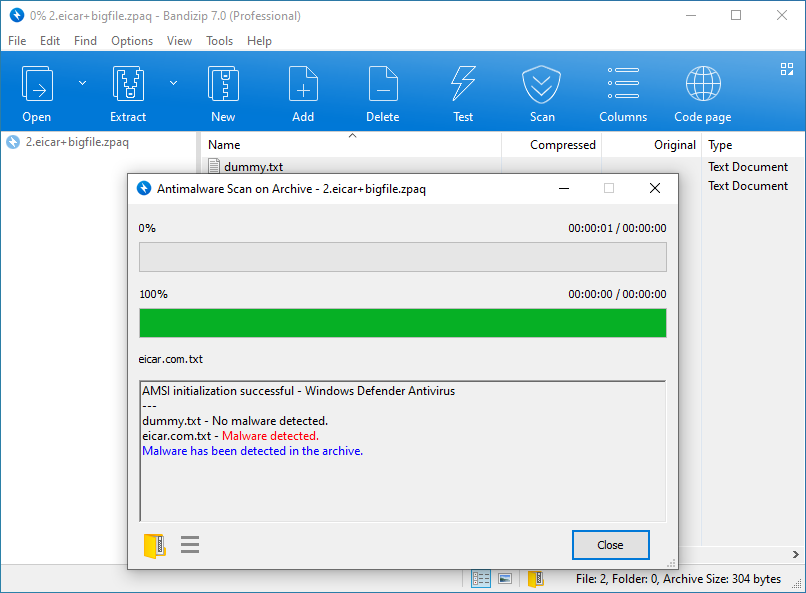
Antimalware Scan - Built-in security scanning protects your system
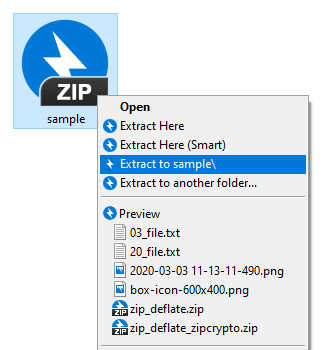
Context Menu - Quick access to Bandizip features from Windows Explorer
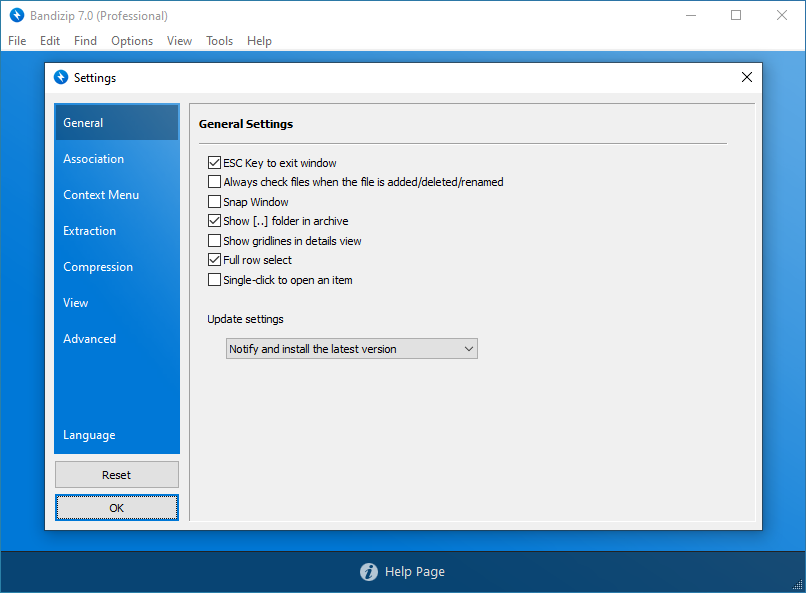
Settings - Comprehensive configuration options for power users
Archive View - Detailed view of archive contents with file properties